Connect to any MongoDB, safely
Every way you reach MongoDB, from localhost to SSH jump hosts and OIDC, with per-connection read-only, AI and server-side JavaScript policies enforced by the app itself.
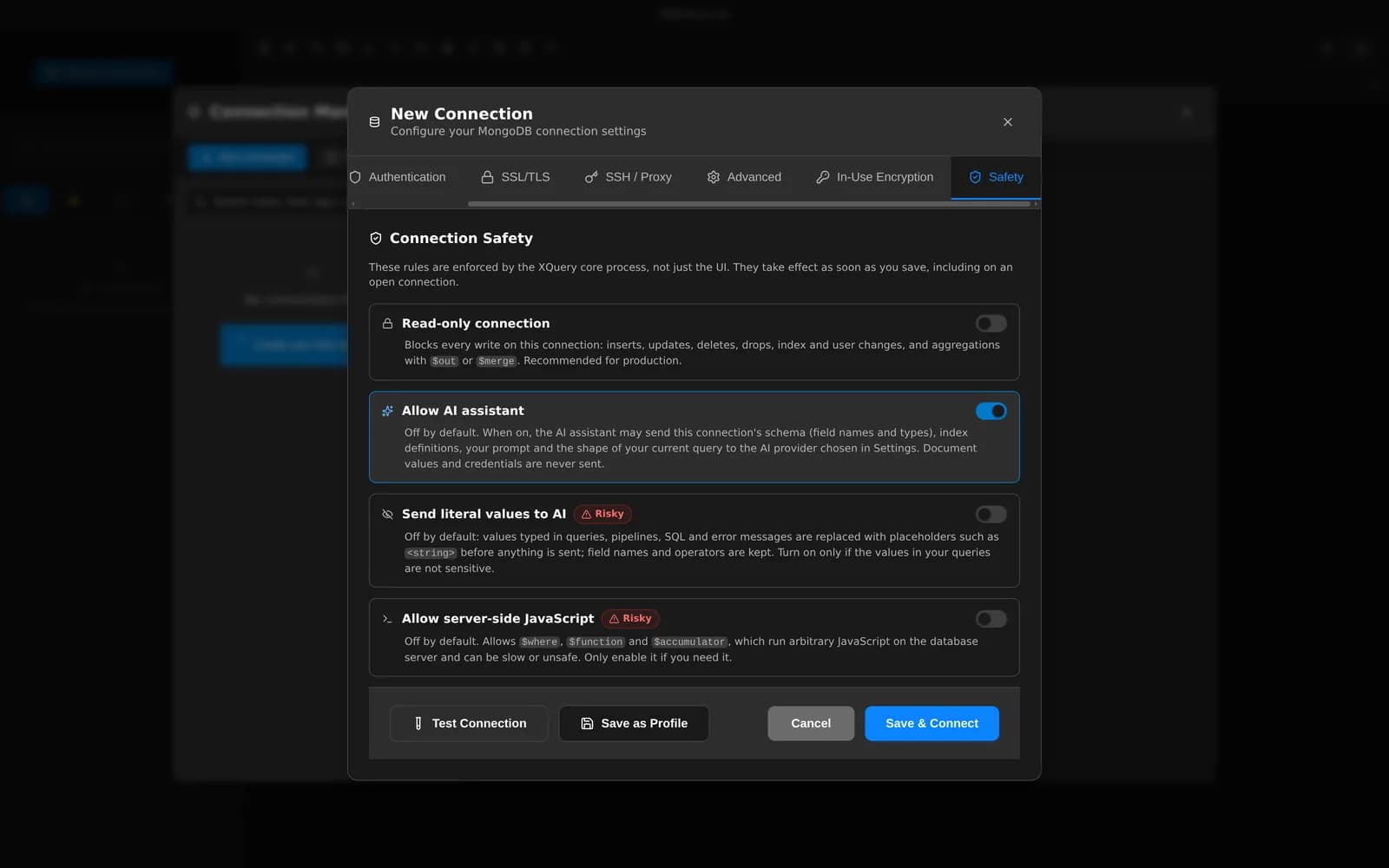
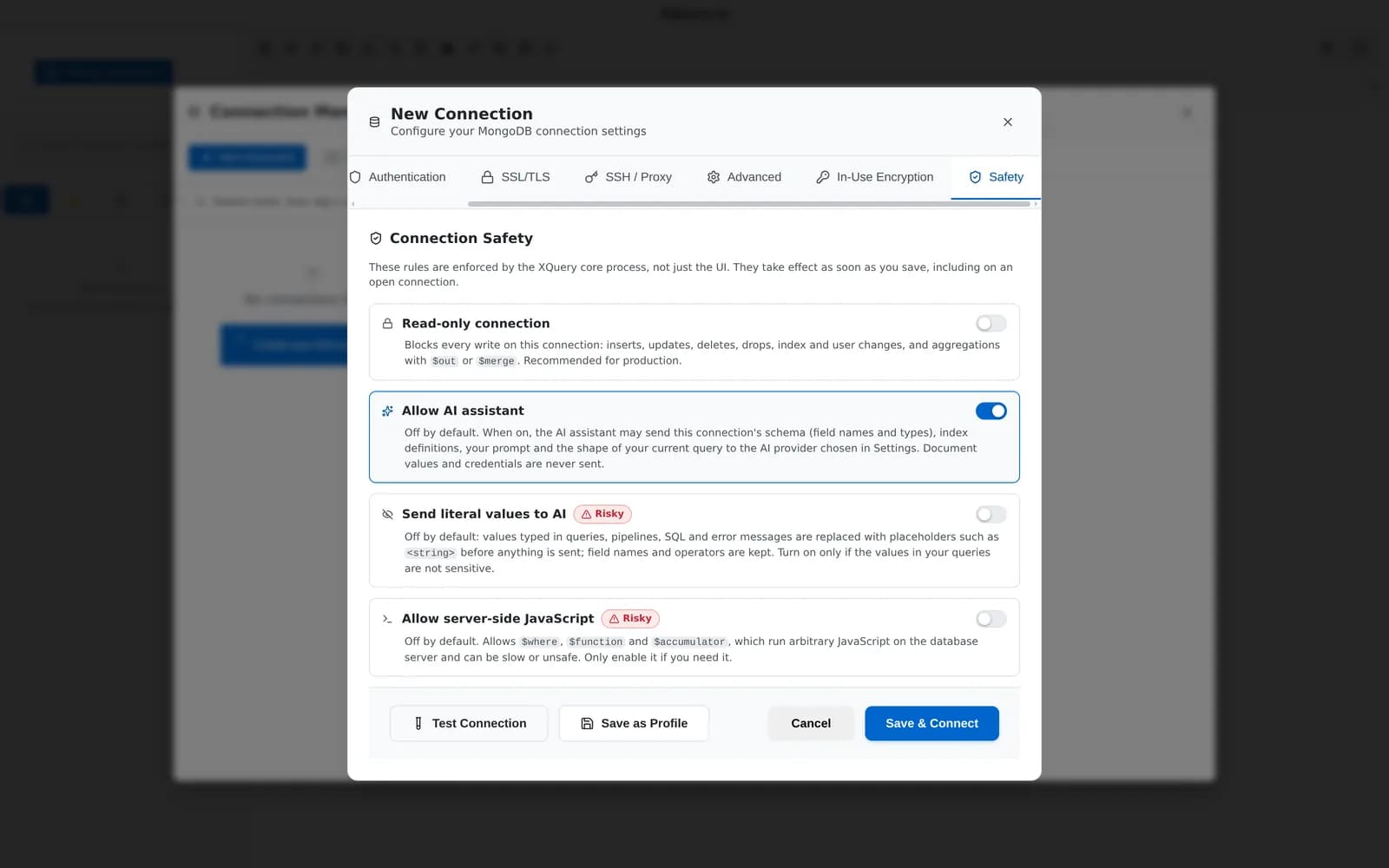
Per-connection safety: read-only, Allow AI and server-side JavaScript, each off or on per connection.
What you can do with it
Every topology
Single host, seed lists, mongodb+srv, replica sets with read preference and tag sets, sharded clusters through mongos, direct and load-balanced modes, and Unix domain sockets.
Every auth method
SCRAM-SHA-256 and SHA-1, X.509, LDAP, Kerberos, AWS IAM (including the default credential chain) and OIDC with browser sign-in or workload identity for Azure, GCP and Kubernetes.
Tunnels and proxies
TLS with CA and client certificates; SSH with password or key, host-key pinning and up to four jump hosts; SOCKS5 and HTTP proxies.
Read-only that really is
Blocks inserts, updates, deletes, drops, index changes, imports, sync, $out and $merge (even inside explain). Enforced in the main process, not by hiding buttons.
Organized and labelled
Folders, tags, colors and dev / staging / prod environments, with a warning banner on production. Quick connect with Cmd/Ctrl+1–9 and a health dot per connection.
Secrets stay in the keychain
Passwords, keys and tokens are encrypted with your OS keychain and never shown in the UI. Export connections without secrets, or encrypted with a password you choose.
Audit and app lock
A local audit log of writes and security events with credentials redacted, and an app lock with idle timeout that closes every connection and tunnel.
Typed-name confirmation
Dropping a database or collection asks you to type its name. Restores, sync overwrites and masking write-back ask for confirmation.
Related features
Your next query deserves a better IDE.
Create a free account, download MotionQL, and paste your Pro key. You'll be querying in under two minutes.