The MongoDB GUI for Windows
MotionQL is a fast MongoDB IDE for Windows 10 and 11. Install per user without admin rights, for all users, or run the portable build.
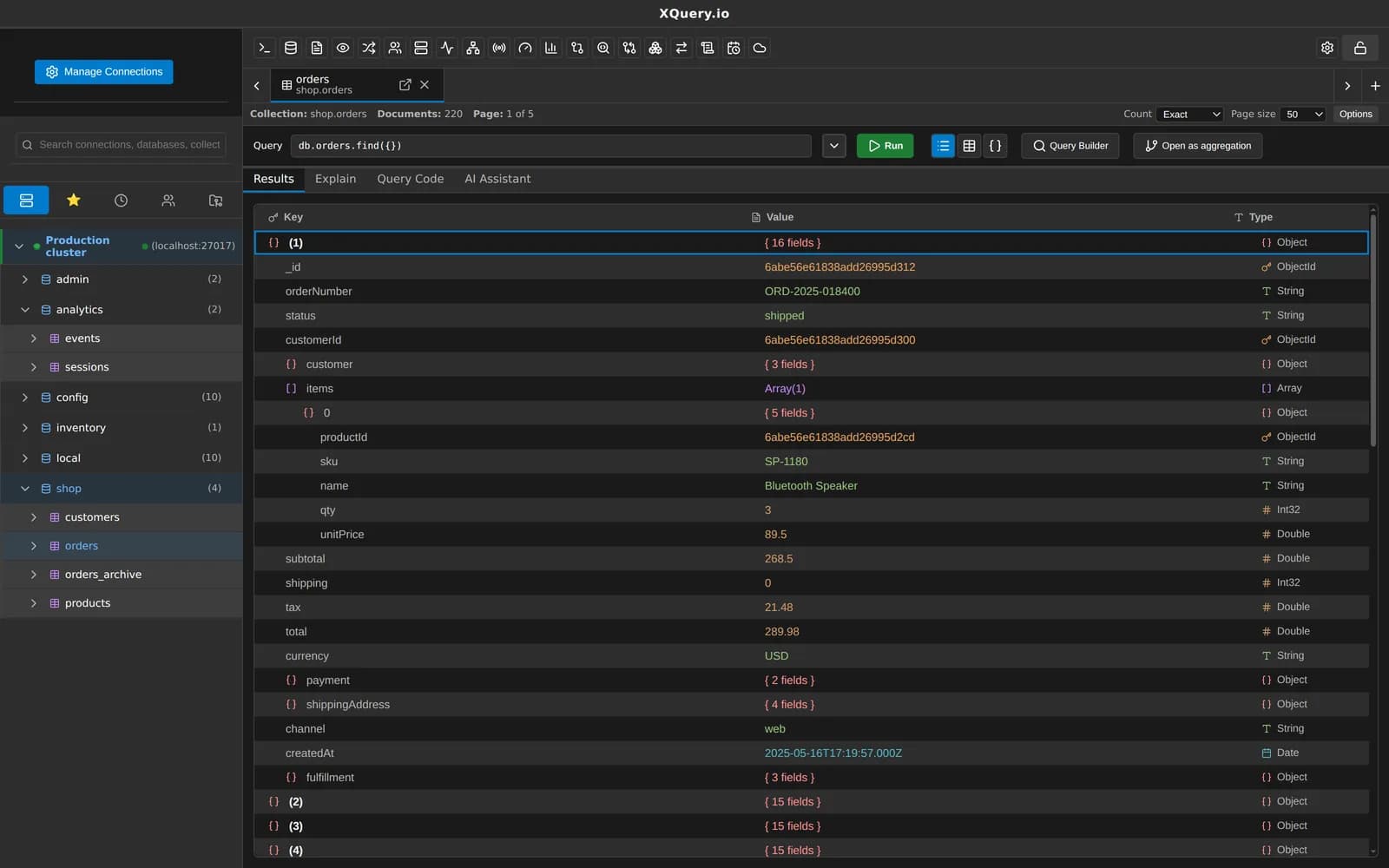
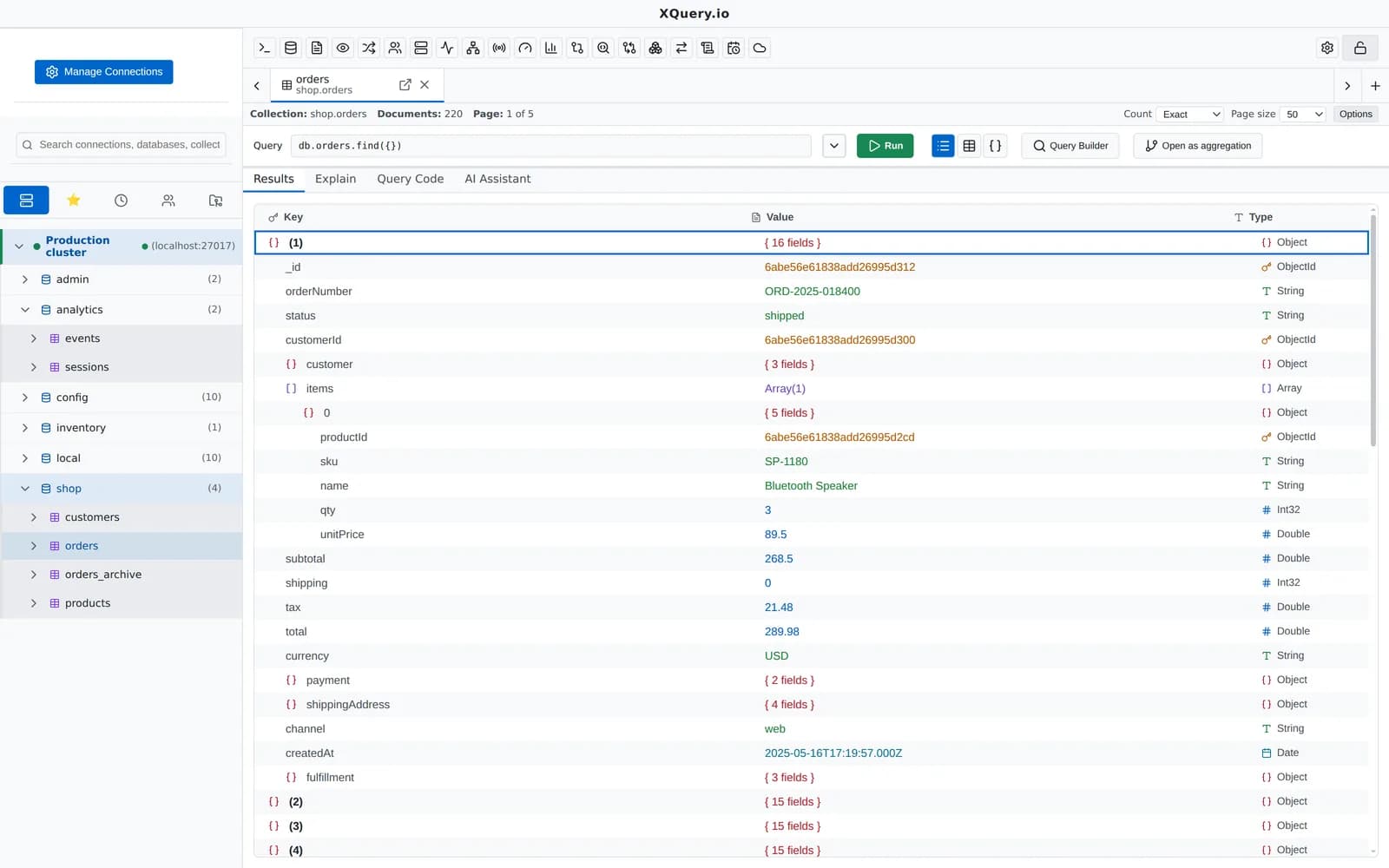
System requirements
- Windows 10 or 11, 64-bit (x64)
- 4 GB RAM minimum, 8 GB recommended for large result sets
- About 500 MB of disk space
- MongoDB 4.4 or later, Atlas, DocumentDB, Cosmos DB for MongoDB or FerretDB
Three ways to install
An installer (per user without admin rights, or for all users) or a portable build with no install.
Not yet code-signed
SmartScreen warns on first run: click More info, then Run anyway. Every release ships SHA-256 checksums so you can verify the file.
Silent installs
The installer accepts /S for a silent install, /allusers and /D= for the folder, so it can be pushed with Intune, Configuration Manager or a script.
Your profile protects secrets
Passwords, keys and tokens are encrypted with your Windows user profile (DPAPI).
Central control
A machine-wide policy.json can turn off updates or AI, or force read-only hosts. IT can deploy new versions with the silent installer.
Background tasks
Scheduled tasks can run while the app is closed through Task Scheduler, only while you are signed in (Pro).
Everything MotionQL does, on Windows
The same features on every platform. A few to start with:
Your next query deserves a better IDE.
Create a free account, download MotionQL, and paste your Pro key. You'll be querying in under two minutes.