The MongoDB GUI for Mac
MotionQL is a fast MongoDB IDE for macOS, with builds for Apple Silicon and Intel, and secrets kept in your macOS Keychain.
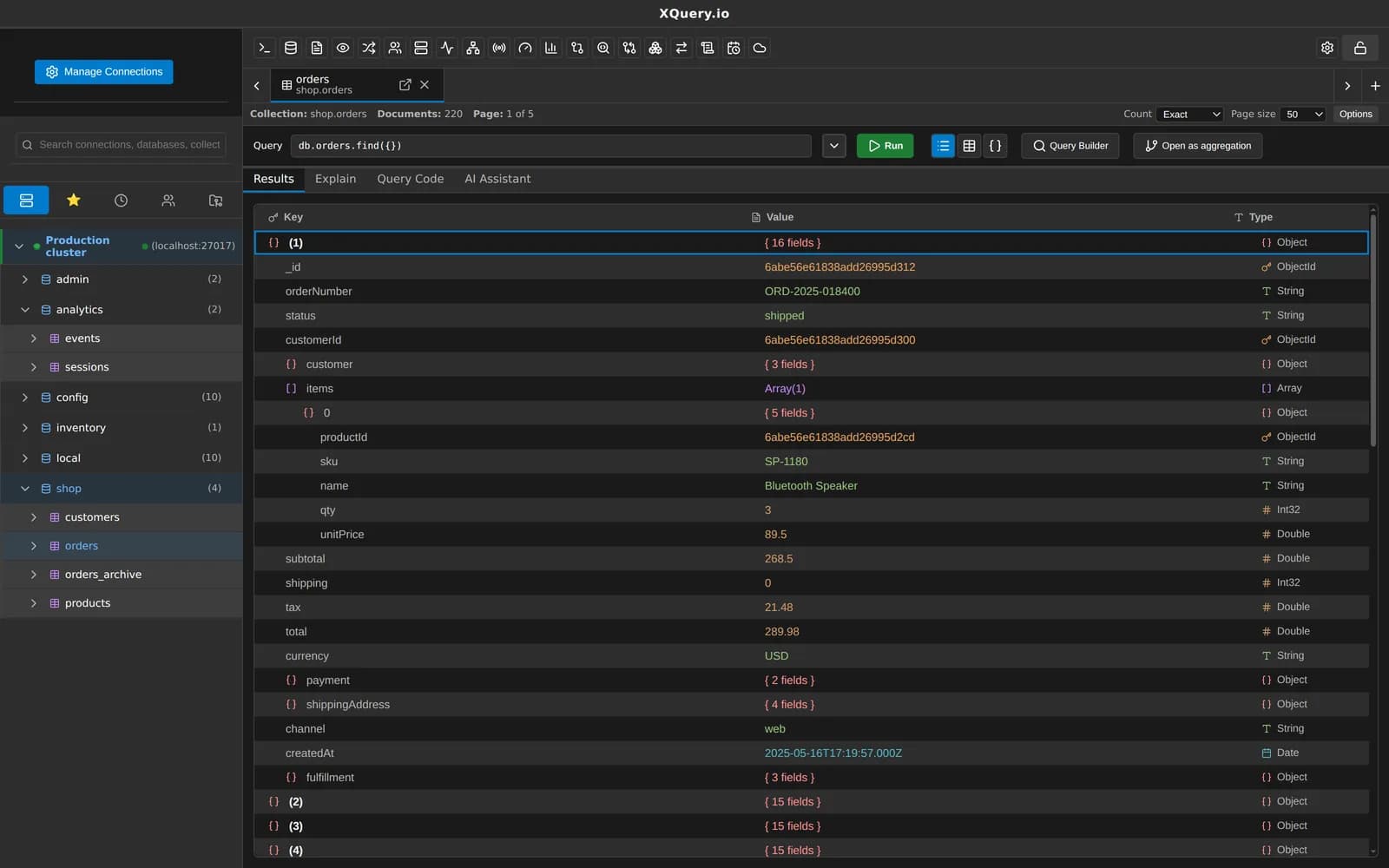
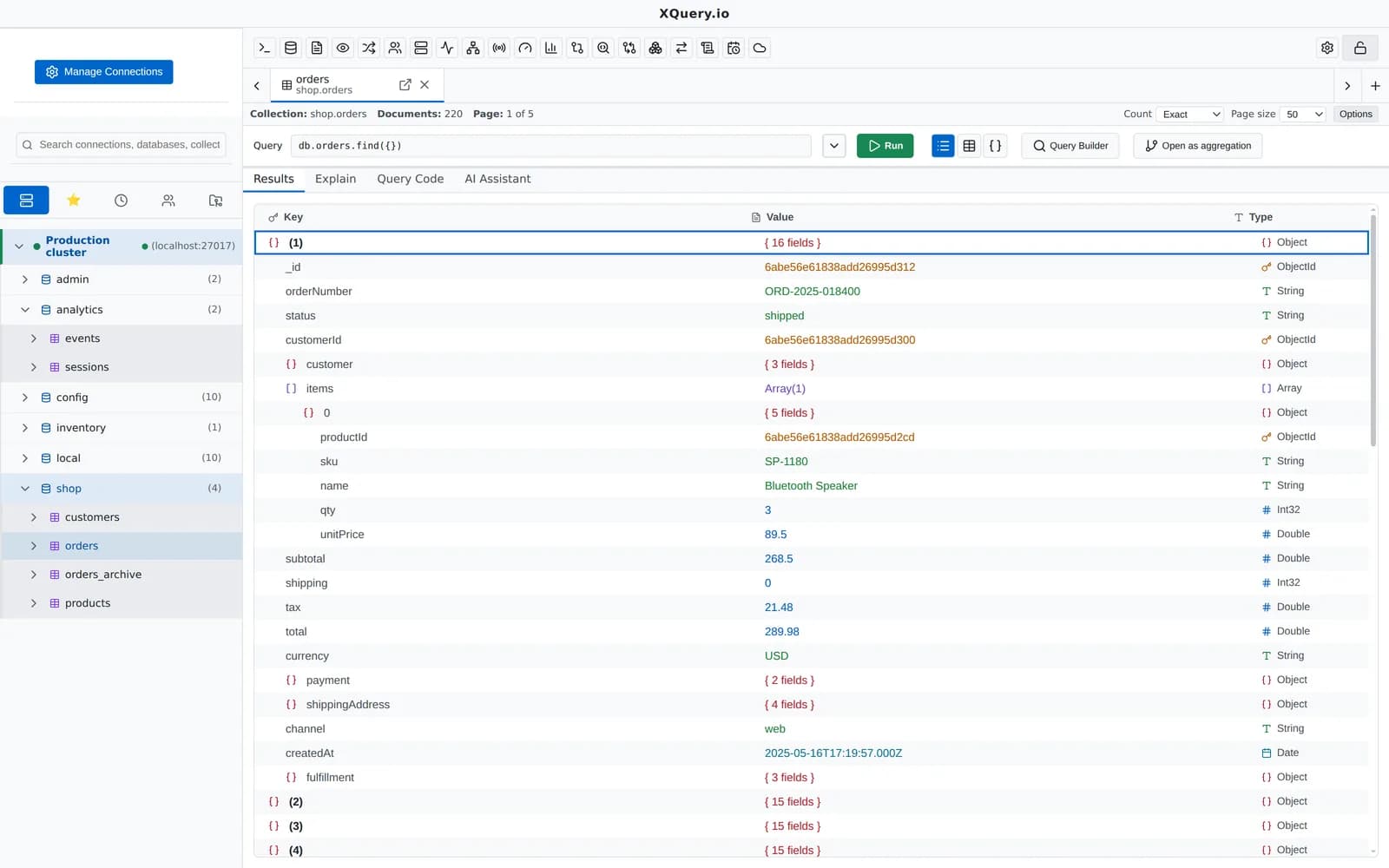
System requirements
- macOS 12 Monterey or later
- Apple Silicon (arm64) or Intel (x64): separate builds for each
- 4 GB RAM minimum, 8 GB recommended for large result sets
- About 500 MB of disk space
- MongoDB 4.4 or later, Atlas, DocumentDB, Cosmos DB for MongoDB or FerretDB
Not yet code-signed
macOS asks you to confirm the first launch in System Settings → Privacy & Security (Open Anyway). Every release ships SHA-256 checksums so you can verify the file.
Keychain for secrets
Passwords, keys and tokens are encrypted with the macOS Keychain and never shown in the UI.
Drag to install
Open the .dmg for your Mac and drag MotionQL to Applications.
Updating
In-app updates need signed builds, so for now you install new versions from the download page. Your connections and settings are kept.
Works with your MDM
Deploy the app from the .dmg or .zip with Jamf, Kandji or Intune, plus a machine-wide policy.json.
Background tasks
Scheduled tasks can run while the app is closed through a per-user LaunchAgent (Pro).
Everything MotionQL does, on macOS
The same features on every platform. A few to start with:
Your next query deserves a better IDE.
Create a free account, download MotionQL, and paste your Pro key. You'll be querying in under two minutes.