MotionQL for Linux
The database GUI for Linux
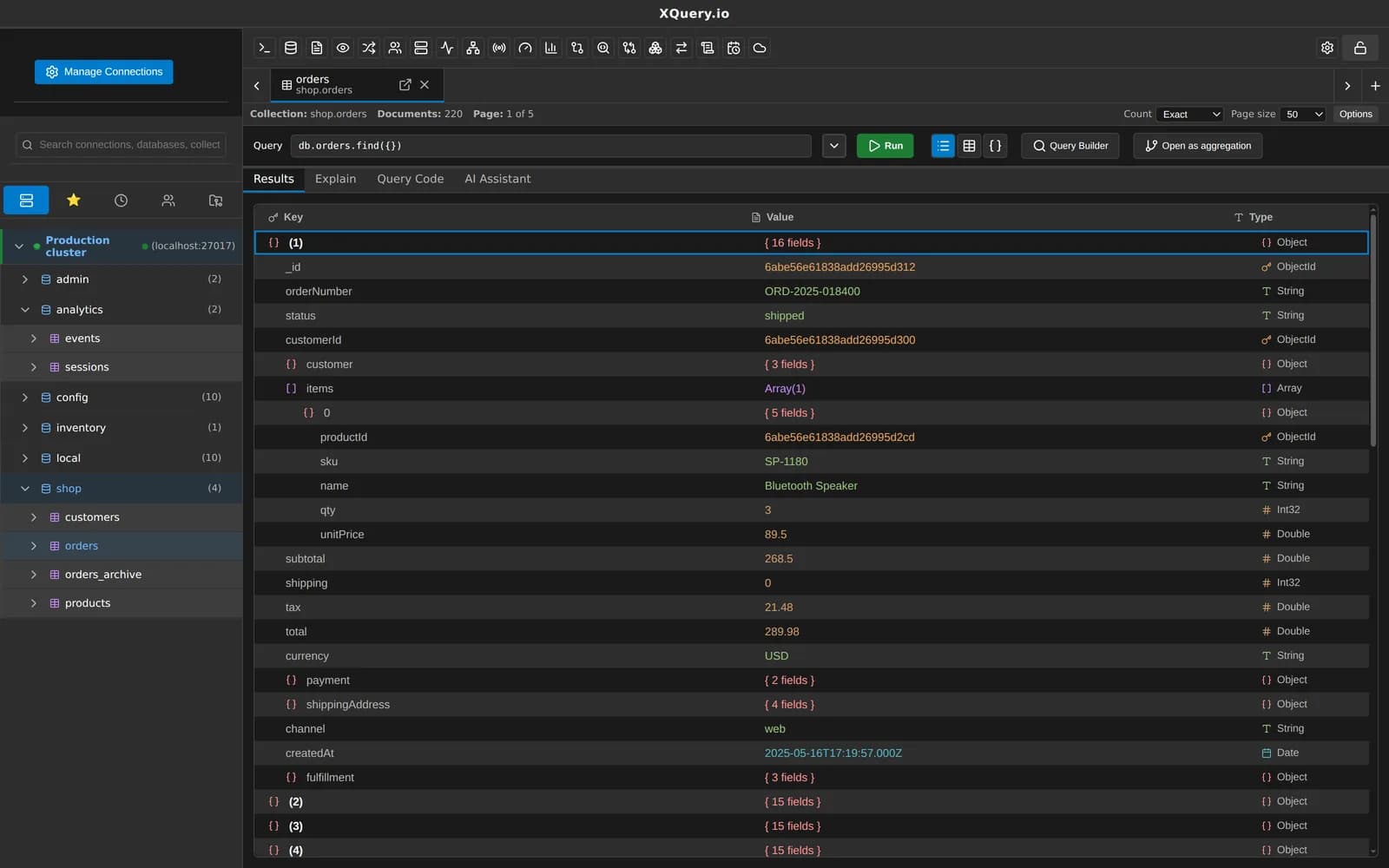
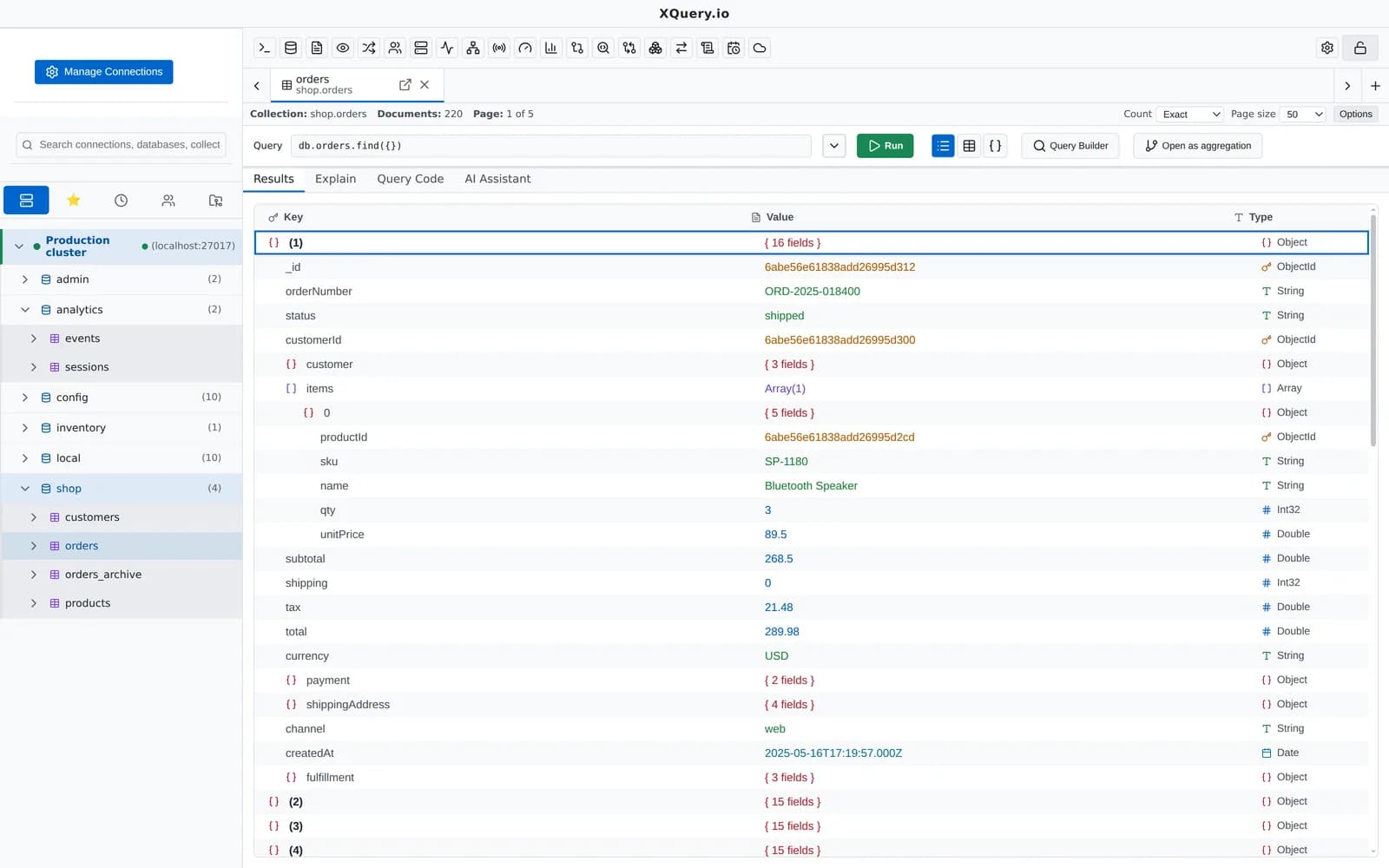
MotionQL for Linux comes as an x86_64 AppImage and a .deb package, with the same features, connections and free Pro license as on macOS and Windows.
System requirements
- 64-bit x86 (x64) desktop distribution with a graphical session
- A Secret Service provider such as GNOME Keyring or KWallet to store passwords
- 4 GB RAM minimum, 8 GB recommended
- Any of the 60+ supported databases and hosted services
Same app, same features
The Linux build is the same desktop app as on macOS and Windows: every database, projects, Logs & analytics, migration and the AI assistant.
Secrets in your keyring
Passwords and keys are encrypted with your Secret Service provider, never stored in plain text.
Background tasks
Scheduled tasks can run while the app is closed through a systemd user timer (Pro).
One license everywhere
Your Pro key works on any operating system, so you can move between Linux, macOS and Windows.
Everything MotionQL does, on Linux
The same features on every platform. A few to start with:
Visual query builderDrag fields from the schema, combine conditions in nested AND / OR groups, and pick projection and sort. MotionQL writes the filter for you, and reads any filter you type back into the builder.Aggregation pipeline builderAdd, reorder and disable stages and see the documents after every one. The operator library covers $lookup, $facet, $setWindowFields, $search and $vectorSearch.SQL query on MongoDBWrite SELECT with joins, GROUP BY and HAVING. MotionQL translates it into a MongoDB find or aggregation, shows you the translation, and runs it.Compare & syncDiff two collections document by document, on the same or different clusters, preview the sync, and apply only the changes you choose.Import, export, dump & restoreJSON, JSON Lines, CSV, Excel, BSON and SQL INSERT for MongoDB and SQL tables, NDJSON for search indices, DynamoDB JSON, binary-safe Redis exports, and dump and restore, with AI that suggests the mapping.AI assistant & MCP serverBring your own Gemini, Claude or OpenAI-compatible key, or a local model. Write, explain and fix queries in every language MotionQL speaks, ask AI on every screen, and let coding tools use your connections through a local MCP server.
Your next query deserves a better IDE.
Create a free account, download MotionQL, and paste your Pro key. You'll be querying in under two minutes.