Move data in and out in any format
JSON, JSON Lines, CSV, BSON, Excel and SQL INSERT in both directions, plus copy collection and mongodump-compatible dump and restore.
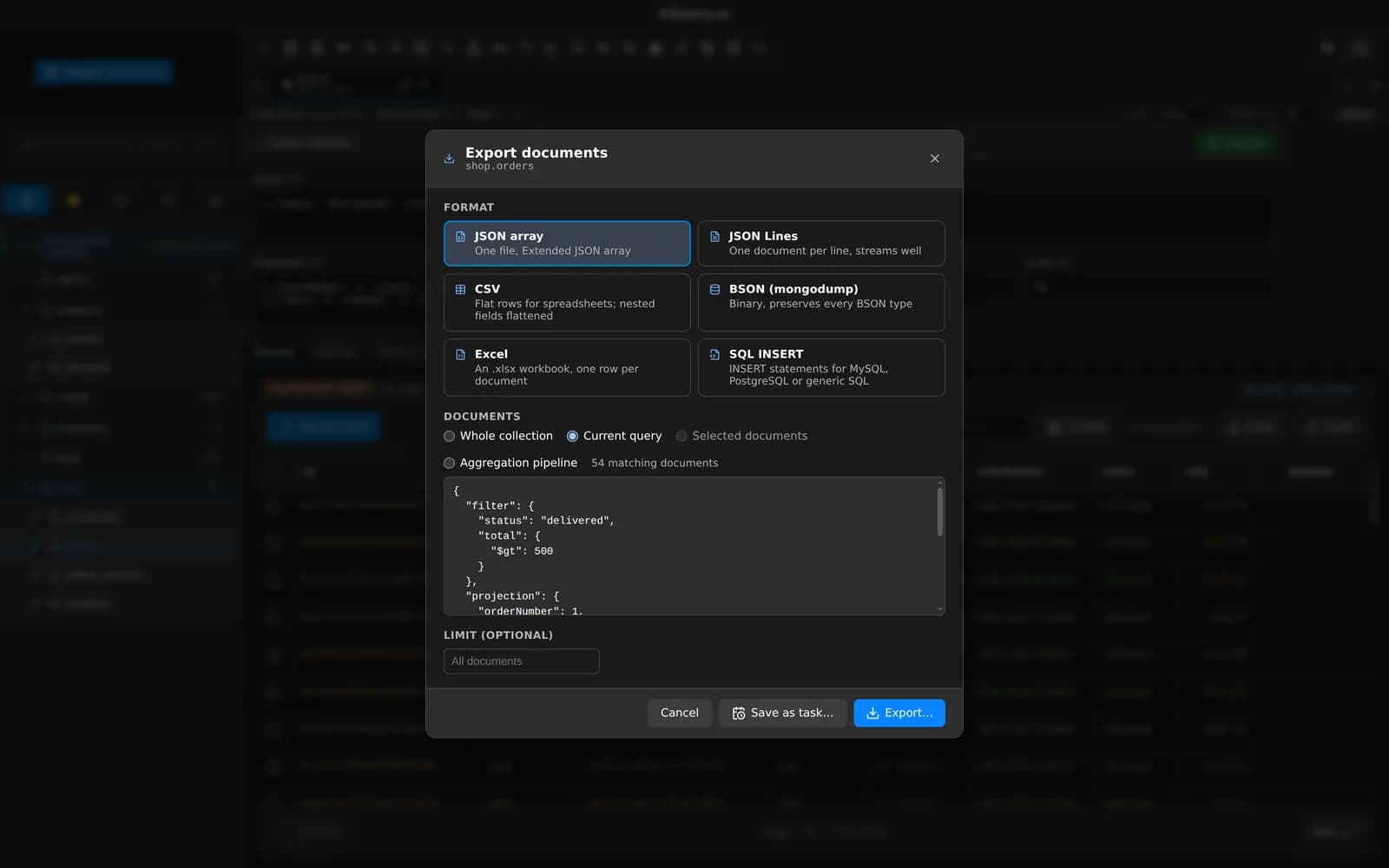
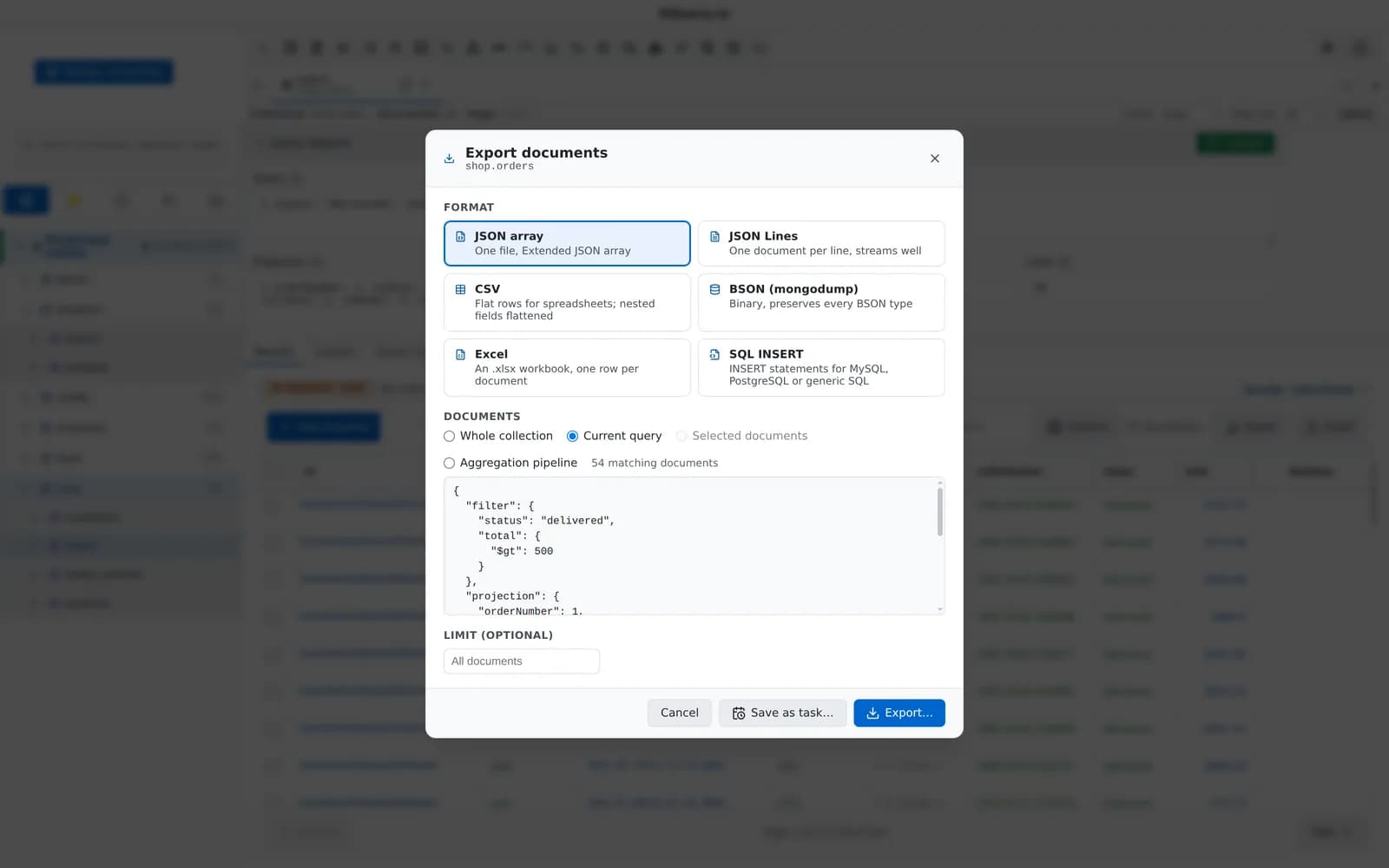
Export a collection, a view, the current query or a selection.
What you can do with it
Six formats
JSON, JSON Lines, CSV, BSON (mongodump-compatible), Excel .xlsx and SQL INSERT for generic SQL, MySQL or PostgreSQL.
Export what you see
A collection, a view, the current query or a selection.
Map and type columns
The import wizard inspects the file, then lets you map columns to string, int, long, double, decimal, bool, date, objectId or json.
Four import modes
Insert, upsert, replace or merge.
Streamed jobs
Large files stream in the background with progress and cancel.
Copy collections
Copy a collection to another database or connection.
Dump and restore
mongodump folder layout with optional gzip, or a single archive file that mongorestore --archive reads. Restores check archive checksums.
Schedule it
Exports, imports, copies, dumps and restores can all run as scheduled tasks (Pro).
Related features
Your next query deserves a better IDE.
Create a free account, download MotionQL, and paste your Pro key. You'll be querying in under two minutes.