DynamoDB with the capacity cost of every page
Scan and Query builders that show consumed capacity, a PartiQL editor that flags full scans, a table designer, backups and point-in-time restore, and CloudWatch metrics per table.
- Amazon DynamoDB, DynamoDB Local and LocalStack
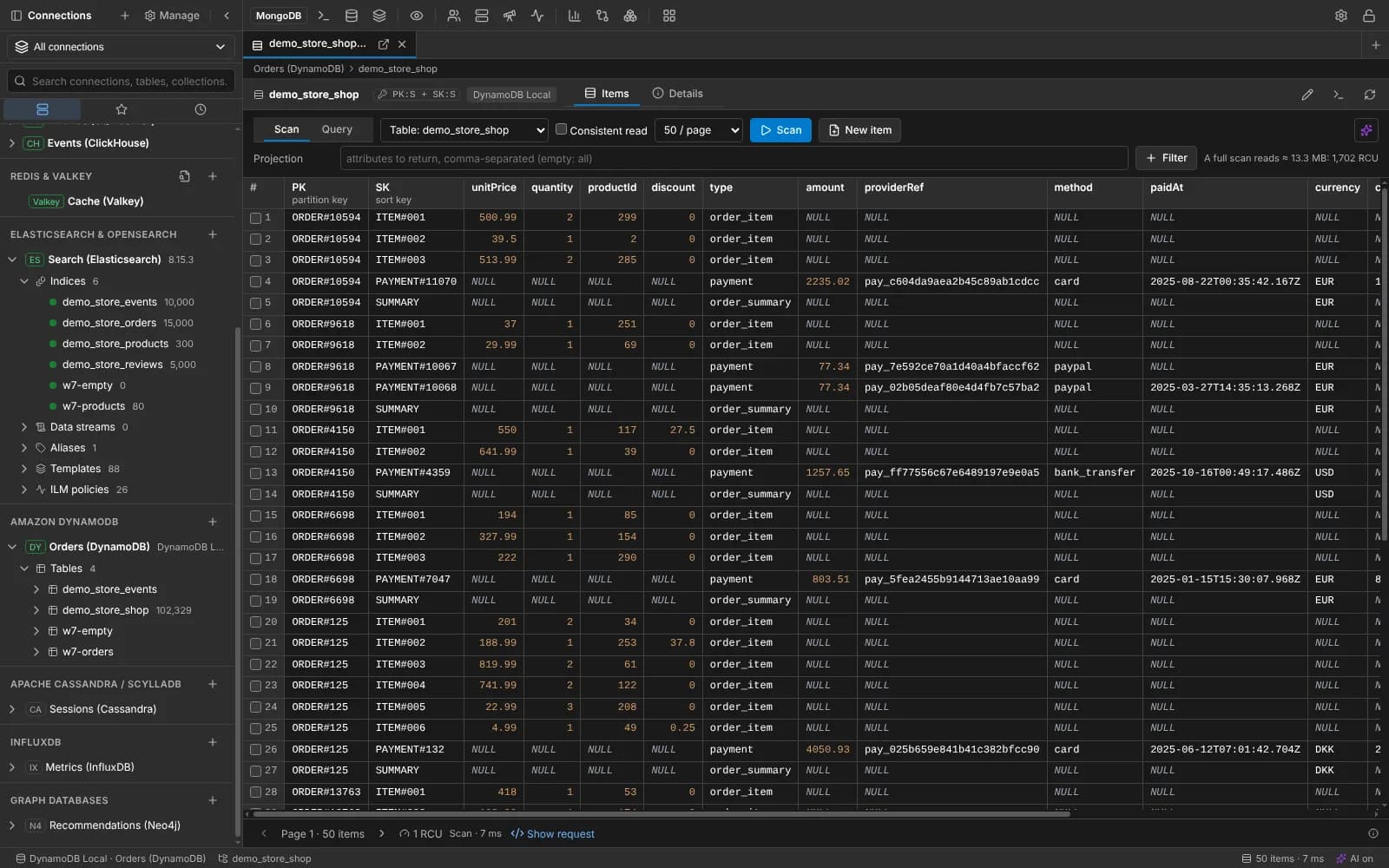
A DynamoDB scan with consumed capacity shown for the page.
What you get for Amazon DynamoDB
Scan and Query builders
Key conditions, filters, projection, index, consistent read and paging, with the consumed capacity of every page and a full-scan cost estimate.
PartiQL editor
Completion of tables, indexes and attributes, and SELECTs without a partition key condition flagged as full scans.
Tables and items
Create and edit tables with indexes, capacity, streams, TTL and recovery; edit items as DynamoDB JSON or plain JSON with conditions.
Metrics and backups
CloudWatch read and write capacity, throttles and latency per table or index; on-demand backups and point-in-time restore.
Any AWS sign-in
The default credential chain, a profile, SSO or access keys, in any region, or an endpoint URL for DynamoDB Local and LocalStack.
And everything every connection gets
Each database keeps its own tools, and shares one workspace with the others.
- Projects with Development, Staging and Production environments, enforced on every write
- Logs & analytics: the server's log, slow operations by shape and live metrics
- An AI assistant that writes and fixes this family's queries, with your own key
- Read-only connections, typed confirmations and a local audit log
- Saved queries as files in a folder you can put in Git
- Notebooks and charts on live results
Features to look at next
Also in document and key-value: MongoDB, Redis and Valkey, Cloud Firestore.
Your next query deserves a better IDE.
Create a free account, download MotionQL, and paste your Pro key. You'll be querying in under two minutes.