Aggregation pipelines, one stage at a time
Add, reorder and disable stages and see the documents after every one. The operator library covers $lookup, $facet, $setWindowFields, $search and $vectorSearch.
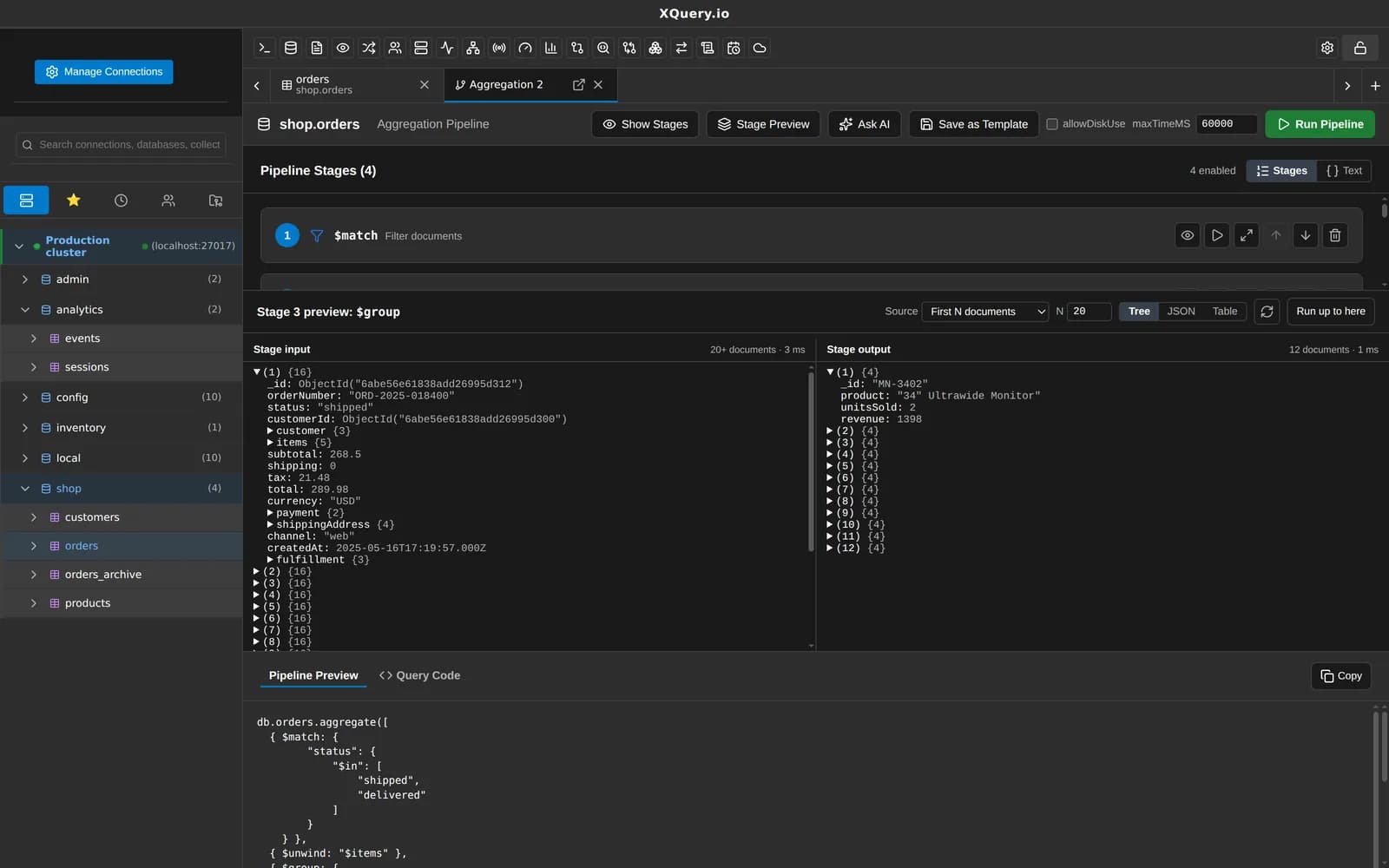
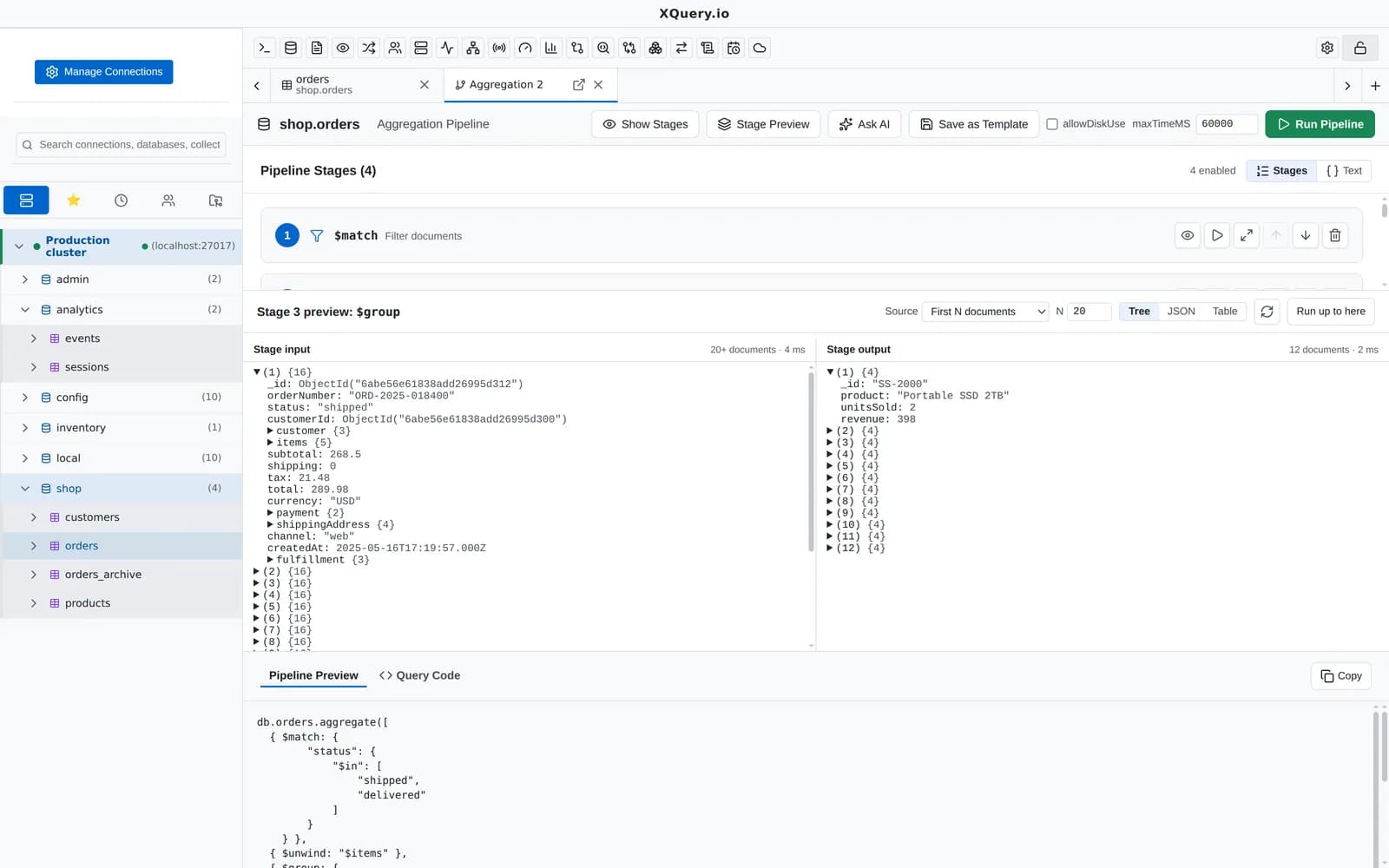
Every stage shows its output, so you can see where a pipeline goes wrong.
What you can do with it
Stage-by-stage preview
See the documents coming out of each stage while you build the pipeline.
Reorder, disable, delete
Move stages around or switch one off to see what it changes.
Full operator library
Including $lookup, $facet, $graphLookup, $unionWith, $setWindowFields, $densify, $fill, and $search and $vectorSearch on Atlas.
Options
Allow disk use, maxTimeMS and collation.
Templates
Start from built-in templates or your own saved ones.
From find to pipeline
Convert any query in the collection tab into a pipeline in one click.
Safe on read-only connections
$out and $merge count as writes and are blocked on read-only connections.
AI pipeline debugging
On connections that allow AI, debug a pipeline stage by stage with your own AI provider.
Related features
Your next query deserves a better IDE.
Create a free account, download MotionQL, and paste your Pro key. You'll be querying in under two minutes.